Every participant builds on their own real work. You write the task once.
For expert trainers teaching AI in their field: Project Management with AI, Sales with AI, AI Agents, and more.
RoomHelm builds a Context Card for every participant from their registration, then rewrites each task around their business. No generic exercises. No 20 minutes of pasting context before every task. Participants build on their real work from the first hour, and AI reviews every submission against your rubric.
- What we sell
- Brand and performance marketing for SaaS startups
- Ideal client
- Seed–Series A founders in Armenia and the EU
- Voice
- Direct, friendly, English
- Job to hand off
- Weekly competitor report, 4h/week
- Never
- Promise results or quote prices
Fifteen people. Fifteen real jobs. One generic exercise.
You teach AI applied to real work. But the task you hand out is written for an imaginary business, because writing fifteen versions isn't possible at midnight before Day 2.
So participants spend the first 20 minutes of every exercise explaining their business to ChatGPT. The fast ones build something generic. The rest copy your demo. Everyone goes home with an agent for work that doesn't exist.
The best AI trainers already know the fix: make everyone build on their own work. RoomHelm makes that possible without the prep.
Problem-Based Learning. Case studies. Reflection.
Whatever your method, the Context Card makes it personal. RoomHelm doesn't replace how you teach. It makes every exercise land on each participant's real work.
Problem-Based Learning
Drop a multi-stage problem as a sequence of blocks. Each participant gets the same problem framed around their own work, so nobody solves a fictional case.
Case studies
Drop the case as text, PDF or image. Each participant works it against their own business. AI groups the answers so you see the room's patterns.
Action learning
Each block builds on the previous one. Multi-day cohorts keep their thread: Day 2 sees Day 1's outputs, and the Context Card carries across.
Reflective practice
Open-ended journaling blocks, grounded in each participant's own situation. Optional share-with-trainer.
Before the room. In the room. After the room.
Every cohort runs three phases. RoomHelm uses AI at each one to personalize your teaching, not to make a deck about it.
Plan once. Personalize for everyone.
Write your registration questions once. RoomHelm turns each participant's answers into a Context Card, and asks follow-up questions when an answer is too vague to use.
- Registration questions that build each Context Card
- AI follow-ups when answers are vague
- AI drafts a session from your topic; you shape, save and reuse it across cohorts
One link. Everyone on their own version.
Send one link. Each participant sees every task rewritten for their own work. Submissions land on your screen in real time.
- Tasks personalized for each participant
- Text and screenshot submissions, grouped by AI to show the room's pattern
- AI feedback against your rubric and levels, in under a minute
- Polls and quizzes SOON
Close the loop the same day.
AI writes each participant's recap and the client proposal, straight from what happened in the room.
- Participant recaps, written by AI
- Client proposal from the session, ready to send
- Proposals and payments in the same place
- Feedback and analytics for the client SOON
From registration to recap, in three steps.
You write it once. RoomHelm makes it personal for every participant.
1Participants register. RoomHelm builds their Context Card.
You write the standard questions. When an answer is too vague to be useful, RoomHelm asks the participant a follow-up, then assembles their Context Card.
2Every task rewrites itself for each person.
You write the task once. Each participant sees it built around their own work, role and data.
3AI reviews every submission, then closes the loop.
Feedback against your rubric and levels within a minute. Then AI writes each participant's recap and the client proposal.
Edit your curriculum by chatting with it.
You've taught for 15+ years. You don't want another form-builder. Tell RoomHelm what you want in plain English.
Swap all the GPT-4 examples for Claude.
AI rewrites every affected block in seconds, across the whole program.
Add a registration question about their CRM. I need it for Task 2.
The question is added, and every Context Card updates as participants answer.
Generate the client proposal from yesterday's session.
Pulled from what actually happened in the room: participants, submissions, outputs, feedback. Branded and ready to send.
Honest about who it's built for.
- You teach AI applied to a field: PM with AI, Sales with AI, AI agents, AI for leaders.
- Your participants are professionals who should build on their own work, not a fictional case.
- You run live cohorts (in-person, hybrid or remote), not pre-recorded courses.
- You use Problem-Based Learning, case studies or action learning, and want tasks that fit each person.
- You send proposals, collect payment and follow up with the client.
- You record AI tutorials for YouTube or Udemy. Try Teachable or Thinkific.
- You teach a semester-long university course. Canvas or Moodle fits better.
- You host one-off webinars with no hands-on tasks. Zoom does that.
Pay only in months you train.
$99 in any month with at least one training day, plus usage. No training that month? You pay nothing. Nothing to cancel, nothing to restart.
How a participant-session is counted. One engaged participant × one attended session. A single response anywhere in your program qualifies that participant, and then every session they attended counts. Never engaged: $0. No-shows and empty rooms: always $0.
AI runs on your own key.
Context Cards, personalized tasks, feedback, recaps and proposals run on your own API key. RoomHelm provides the interface, system prompts and orchestration. You pick the model and control the cost. Zero markup.
 Anthropic
 OpenAI
 QwenSOON
 DeepSeekSOON
 OpenRouterSOON
 AWS Bedrock
No training this month? $0.
Busy month, bigger bill. But you earned more anyway.
Quiet month with no training days: $0. Training teams: $99 per active trainer + usage.
Field-tested in real AI classrooms.
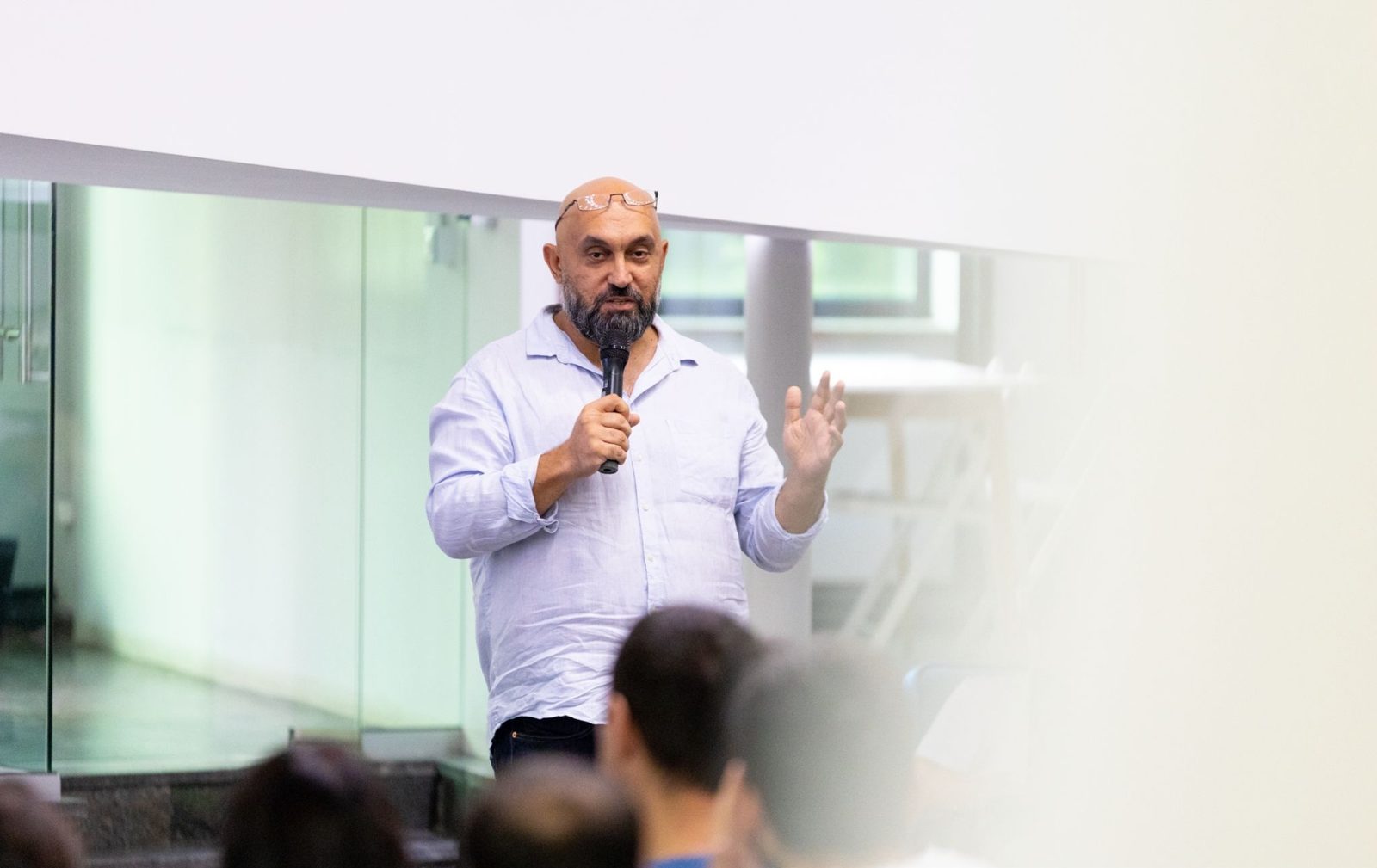
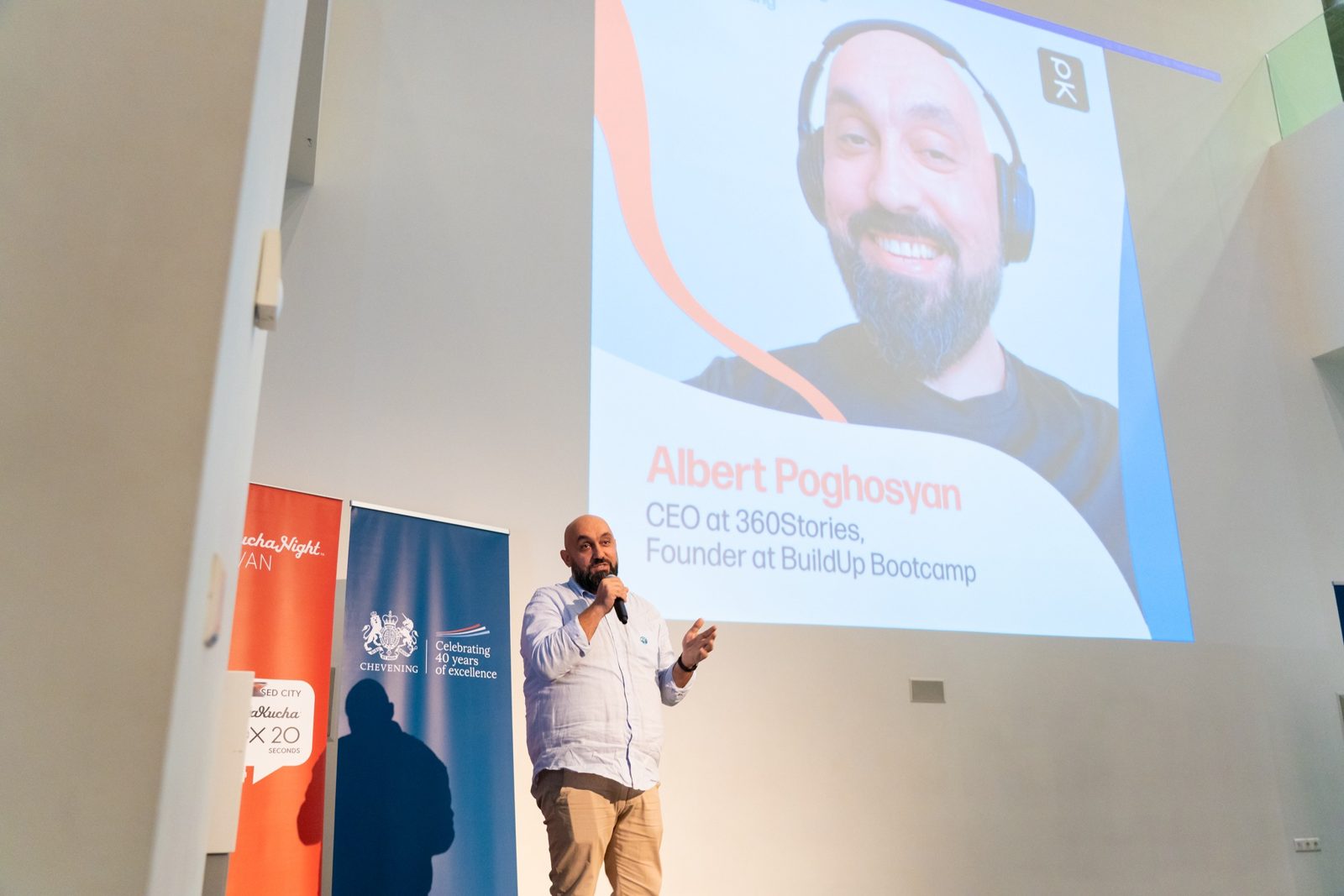
I built RoomHelm while delivering Project Management with AI and the AI Agents Bootcamp at TUMO Labs in Yerevan. Every feature got added because I needed it in the room that weekend, not because a roadmap said so.
The Context Card came out of the bootcamp. Participants built AI agents for their own work without writing context from scratch for every task. Same plumbing, any field: PM-tested first, now open to other trainers. More about why →



Frequently asked questions
What is a Context Card?
A short profile of each participant's role and real work (their company, team or project), built automatically from their registration answers. Every task uses it, so participants never re-explain their business.
What if a participant's answers are vague?
RoomHelm spots answers too vague to build a useful card and asks the participant a follow-up question.
Who can see a participant's Context Card?
Only the participant and their trainer.
Isn't this just an engagement tool with AI bolted on?
No. Engagement tools make the same slide for everyone. RoomHelm makes every task personal to each participant, and reviews their work against your rubric.
Does this only work if AI is the subject?
It's built for trainers teaching AI applied to a field: PM, sales, operations, leadership. The participant builds with AI on their own work.
My AI curriculum changes every month. Does RoomHelm handle that?
Yes. Tell the co-pilot what changed, and it updates every affected block across the program.
Does it support multi-day cohorts?
Yes. Day 2 sees Day 1's outputs, and the Context Card carries across the whole program.
Do participants need to install anything or create an account?
No. Everything is web-based. They open one link.
Can I keep using my existing slides?
Yes.
Can I bring in my existing materials?
Yes. Import from Google Docs, Notion and similar tools.
Do I need my own AI API key?
Yes. RoomHelm provides the interface and system prompts; AI runs on your own key with zero markup.
What languages does it support?
Any. Tasks, Context Cards and feedback can be in whatever language you teach in.
Does it work without internet in the room?
No. RoomHelm is web-based, so you and your participants need a connection.
How does payment work?
$99 in any month with at least one training day, plus usage per engaged participant-session. Months with no training cost nothing.
I've been teaching for 15+ years but I'm not technical. Will I be slow on this in the room?
No. You edit by chatting with it, and participants follow one link.
See your next cohort in RoomHelm.
30 minutes. We'll build a Context Card and a personalized task from your own program, live.